To change your login email in WillowSpace:
-
Log in to your WillowSpace account.
-
Go to Settings > Account.
-
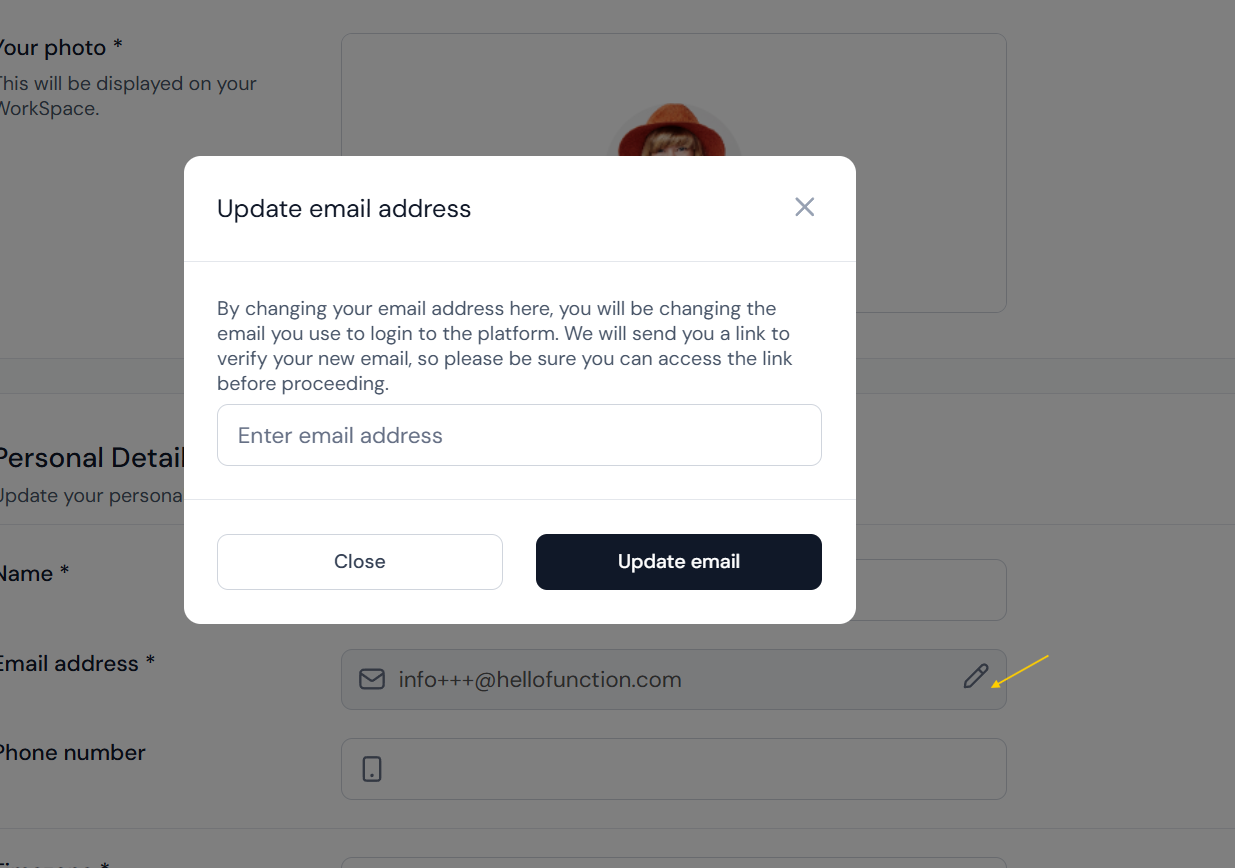
Next to your current email address, click the pencil icon (as shown in your screenshot).
-
A pop-up will appear titled "Update email address".
-
Enter your new email address in the field provided.
-
Click "Update email".
-
Check your new email inbox for a verification link. You'll need to click it to complete the update.
🔐 Important: You’ll be changing the email you use to log into WillowSpace, so make sure you have access to the new email address before confirming.
