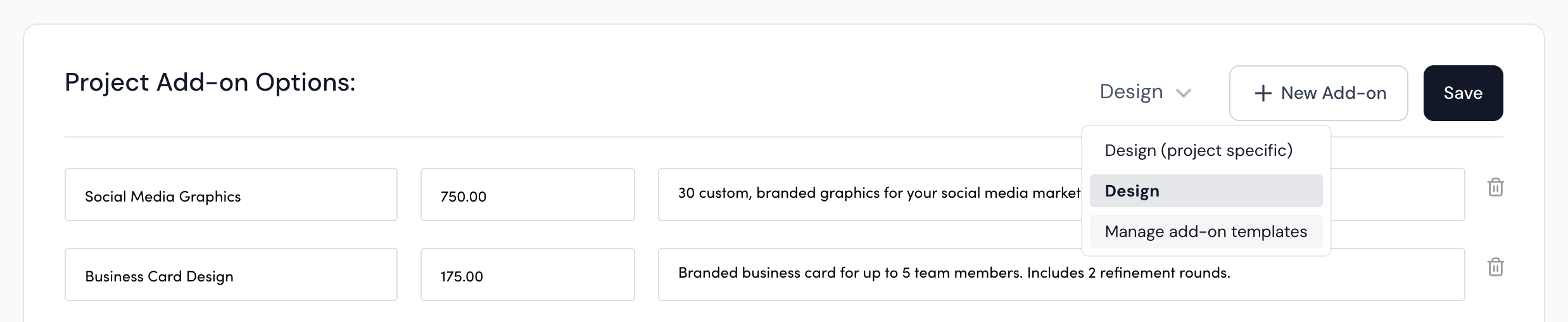
WillowSpace helps you make more revenue by showing your services and add-on options to your current clients in their client portals.
When you create a new Project for a Client, you have an area in the Project Details to add some Project Add-ons and options.
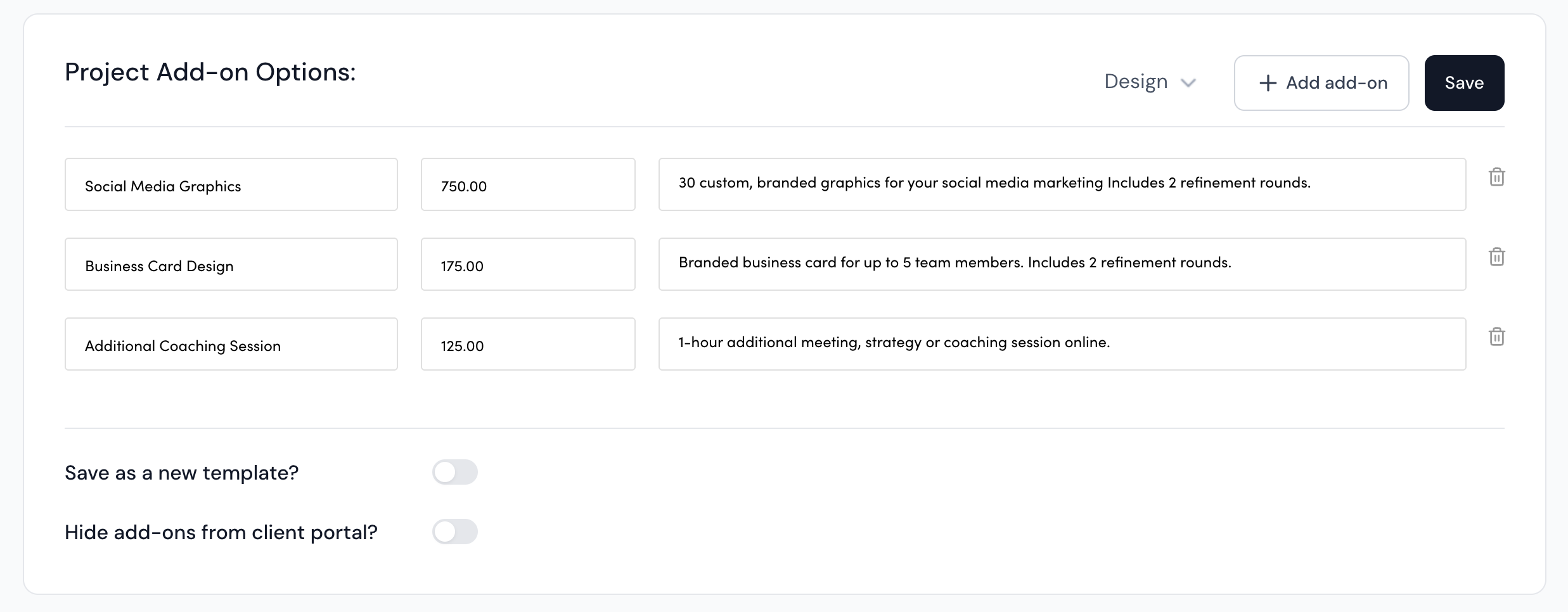
These add-ons will show up in your client portal when a client is viewing their project as a quick and easy reminder about additional services you can offer them. The clients will have the option to add this to their project, notifying you of the successful up-sell!

Managing Add-on Templates:
To manage your add-on templates and save time setting up your project details, go to your WorkSpace, then visit the Projects area. Here, you'll see the Add-on templates button on the right side.
In the Add-on templates section, you can edit current templates, duplicate them or delete them. This allows you to select from the dropdown when creating a project so save you time from having to re-enter all of the information again.