If you send similar proposals regularly—like for branding packages, coaching programs, or recurring services—saving time with templates or duplicates can simplify your workflow.
How to Create a Proposal Template
1. Design your contract fully in the Proposal Builder
2. Under the Save button, choose "Save as a New Template"
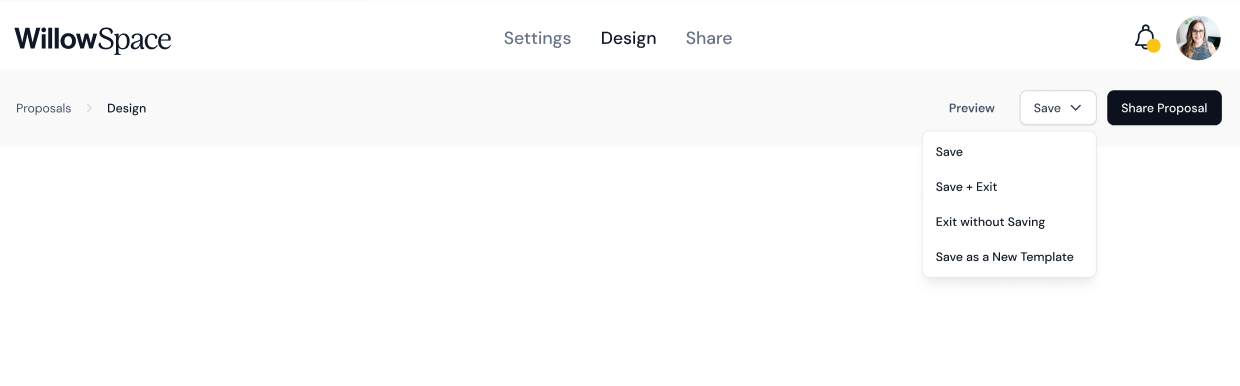
3. Give it a clear, descriptive name (e.g., “Brand Package Proposal”)
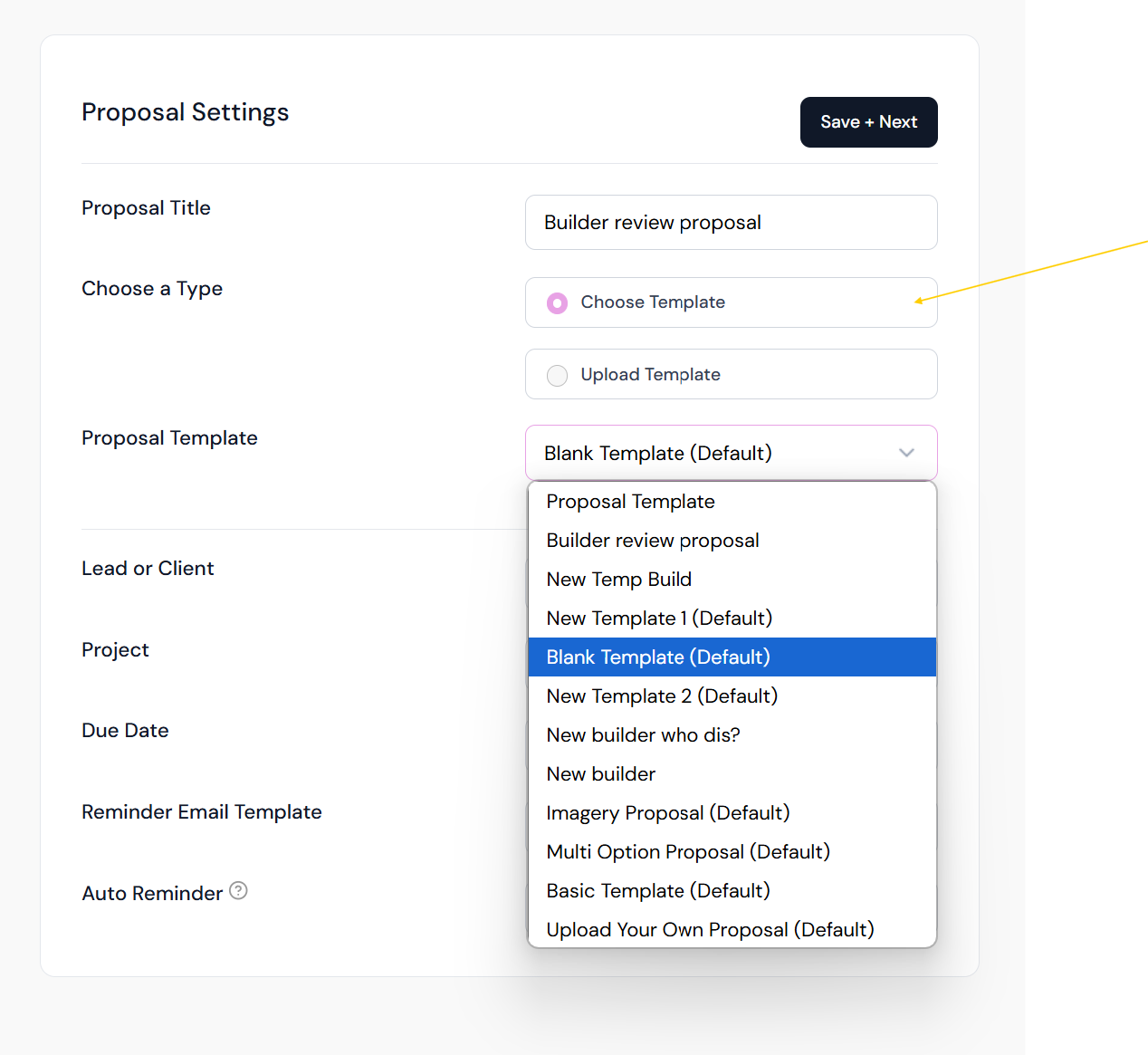
4. Next time you create a contract, select it from the template dropdown on the contract setup screen
Duplicating and Reusing Proposals
You don’t have to create a template for everything. If you’ve already built a proposal that you want to reuse—especially for similar or repeat projects—you can simply duplicate it.
How to Duplicate:
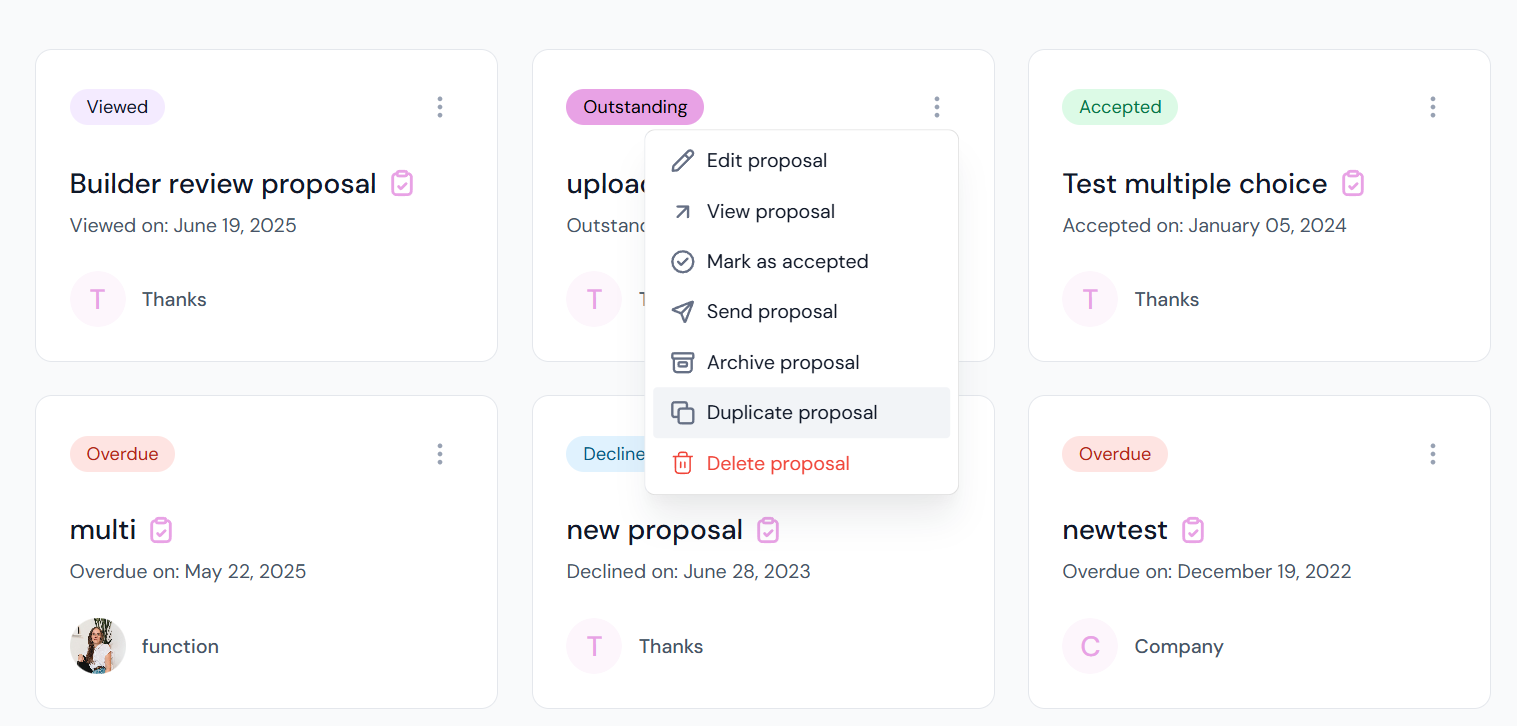
1. Go to Documents > Find the proposal
2. Click the three-dot menu
3. Select Duplicate
What’s Carried Over:
- The full layout and design of the proposal
- Client and project details (you can edit these if using for a new lead/client)
- Proposal settings (you can update these as needed)
